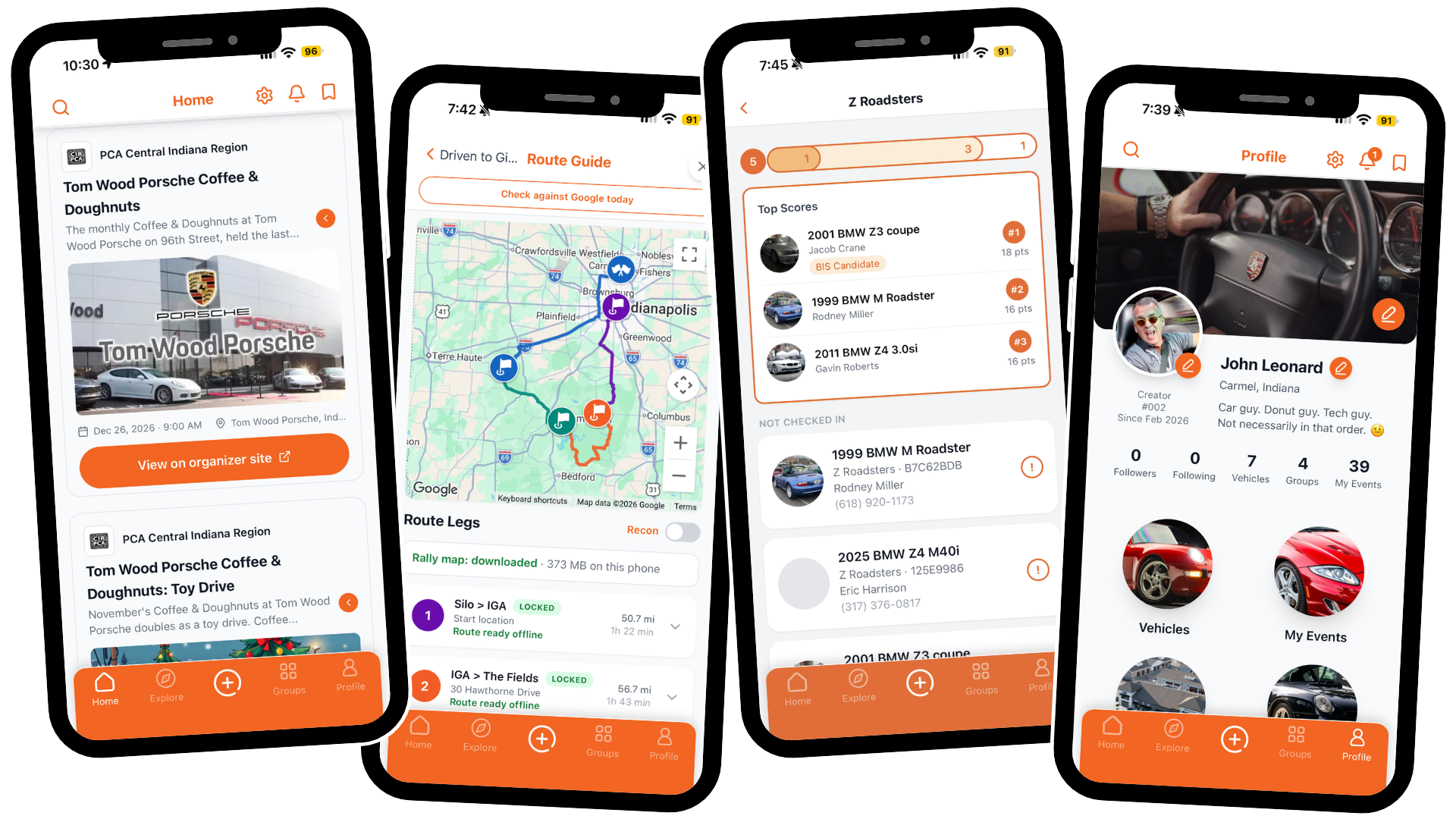
Welcome to THUSIA
Thanks for taking a few minutes to get set up. Your group is one of a small number using THUSIA this year at Artomobilia, ahead of its public release in December.
The Driven to Give Road Rally was built and tested on THUSIA, mapped across the best driving roads of Southern Indiana to show what the app can do. If something feels confusing, slow or off, tell us. Your feedback shapes what THUSIA becomes.
Built for the Automotive Enthusiast.
THUSIA draws on nearly 20 years of creating, promoting and hosting automotive events, from car club meets and weekend cruise-ins to intricate road rallies and judged concours. That experience is built into every part of the app. Keep your cars and their history in one place. Plan, run and communicate with an event from one app. Register for events in a few taps.
We look forward to seeing you on the road, and to your candid feedback.
Before you Install THUSIA…
Your email and temporary password. We sent these to you. Your email is your username.
Your phone, charged and on Wi-Fi. Wi-Fi makes the download faster.
About 10 minutes.
iPhone users: your Apple ID password, in case the App Store asks for it.
Android users: your phone must be signed in to Google Play with the same Gmail address you gave us.

THUSIA for Apple iOS…
Open the invite link on your iPhone
Tap this link: testflight.apple.com/join/tc8uzxM6Install TestFlight
TestFlight is Apple’s free app for new apps that aren’t in the App Store yet. Tap View in App Store, then tap Get. When it finishes, go back to the link in step 1 and tap it again.Install THUSIA
Tap Accept, then Install.Open THUSIA
Tap Open in TestFlight, or find the orange Thusia icon on your home screen.Sign in
Enter your email and temporary password. If the app asks, choose a new password you will remember.Allow access
When asked, tap Allow While Using App for location and Allow for notifications. Turn-by-turn directions need your location.

THUSIA for Android…
Check your Google account
Open the Play Store app. Tap your profile picture at the top right. Make sure the Gmail address shown is the one you gave us. If not, tap it and switch accounts.Open the invite link on your phone
Tap this link: play.google.com/apps/internaltest/4700751021454830175Accept the invite
Tap Accept invite, then tap Download it on Google Play.Install THUSIA
Tap Install. When it finishes, tap Open.Sign in
Enter your email and temporary password. If the app asks, choose a new password you will remember.Allow access
When asked, tap While using the app for location, keep Precise turned on, and tap Allow for notifications.